Request signatures on Mac Get a contract signed, without a subscription.
Place the fields, click Send, and everyone signs in their browser, on a phone or a computer. About $1 for each contract everyone signs, for up to 10 people, and nothing for the people who sign.
Four steps, and you never chase a printer.
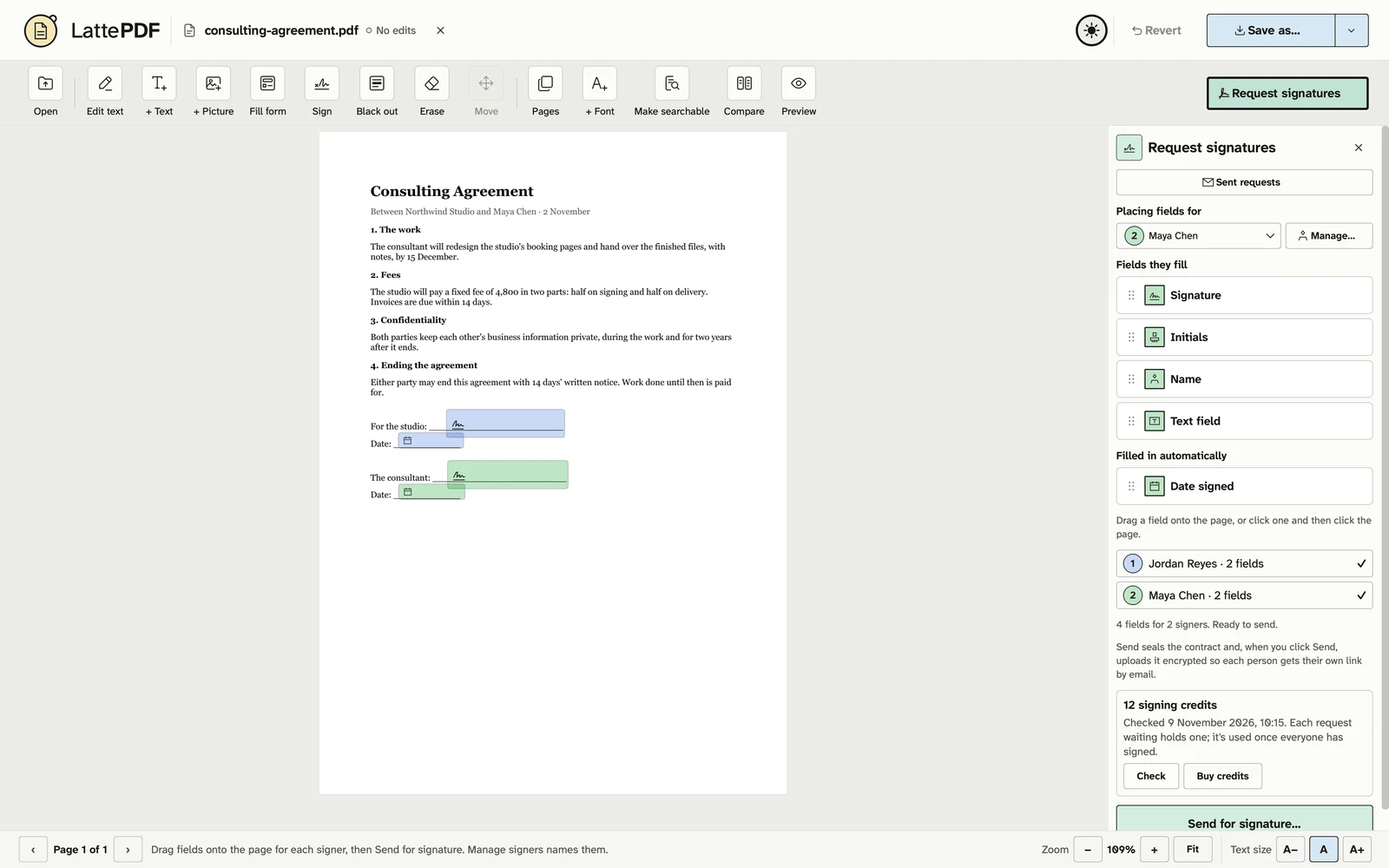
Place the fields
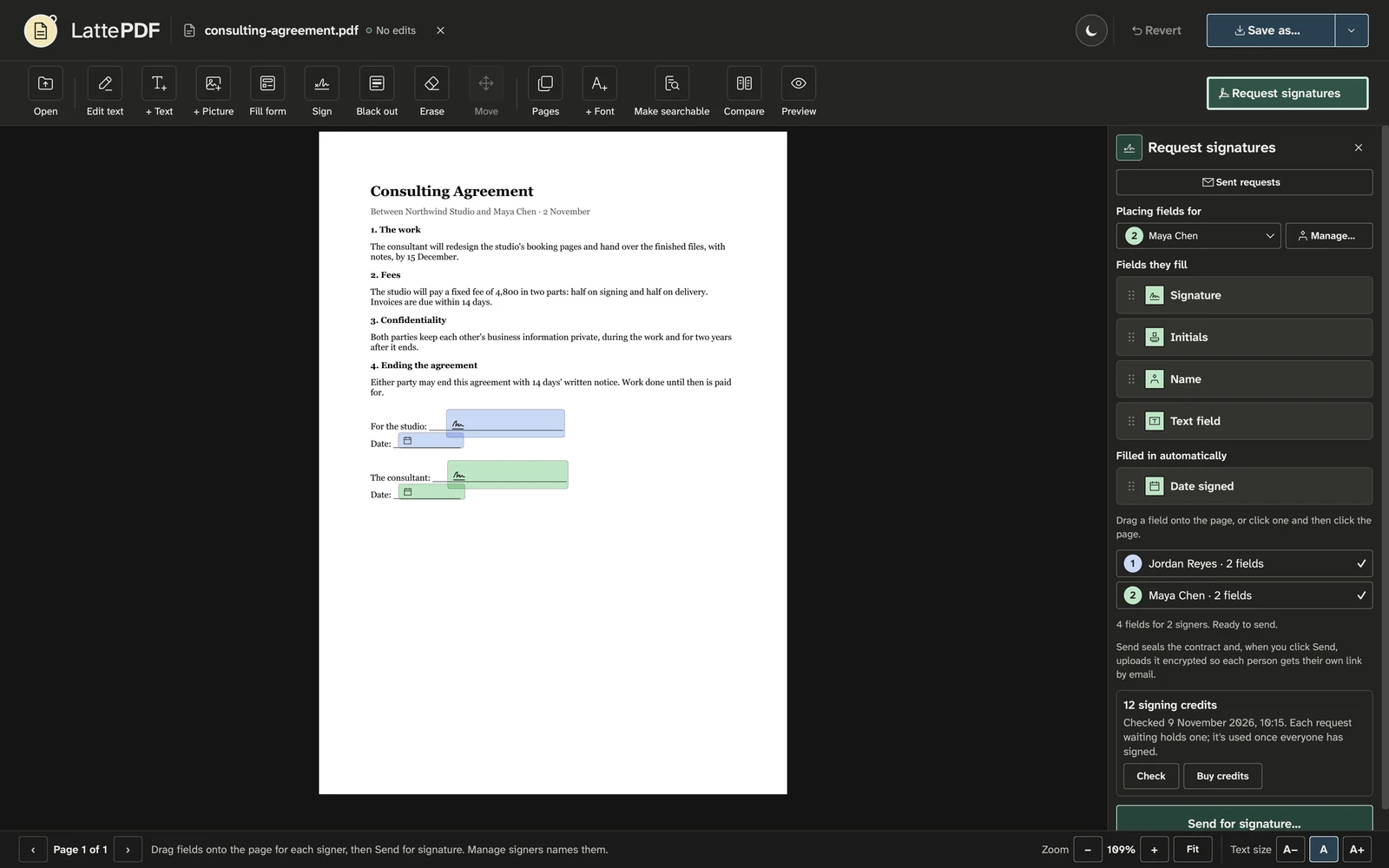
Open the contract in Latte PDF, click Request signatures and add each person's name and email. Drop signature, initials, name, date and text fields for each of them, up to 10 people.
Send
Everyone gets their link by email at once and signs in any order, or tick Sign in this order so each person gets theirs once the one before has signed.
They sign, field by field
They read the contract first, then the page dims around each of their fields in turn: Sign here, Initial here. Nothing is signed until they click it.
Everyone gets the finished copy
Once the last person signs, each of you is emailed a link to the signed contract, with a certificate page and a digital seal.
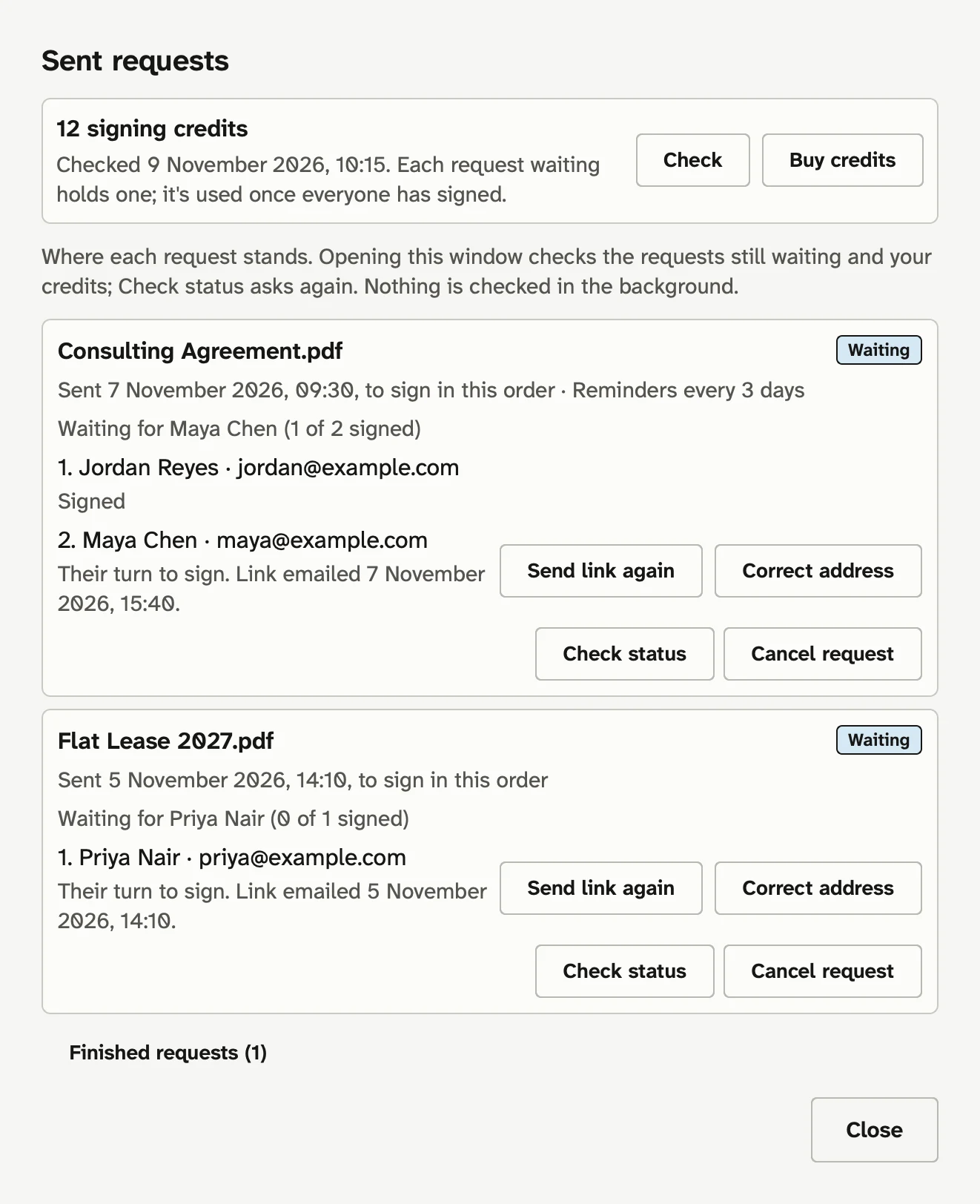
Place the fields, send, and see who has signed.
Everything a contract needs, nothing it doesn't.
Free for the people who sign
No licence, account or app: the link in their email opens the contract in any browser.
At once, or in order
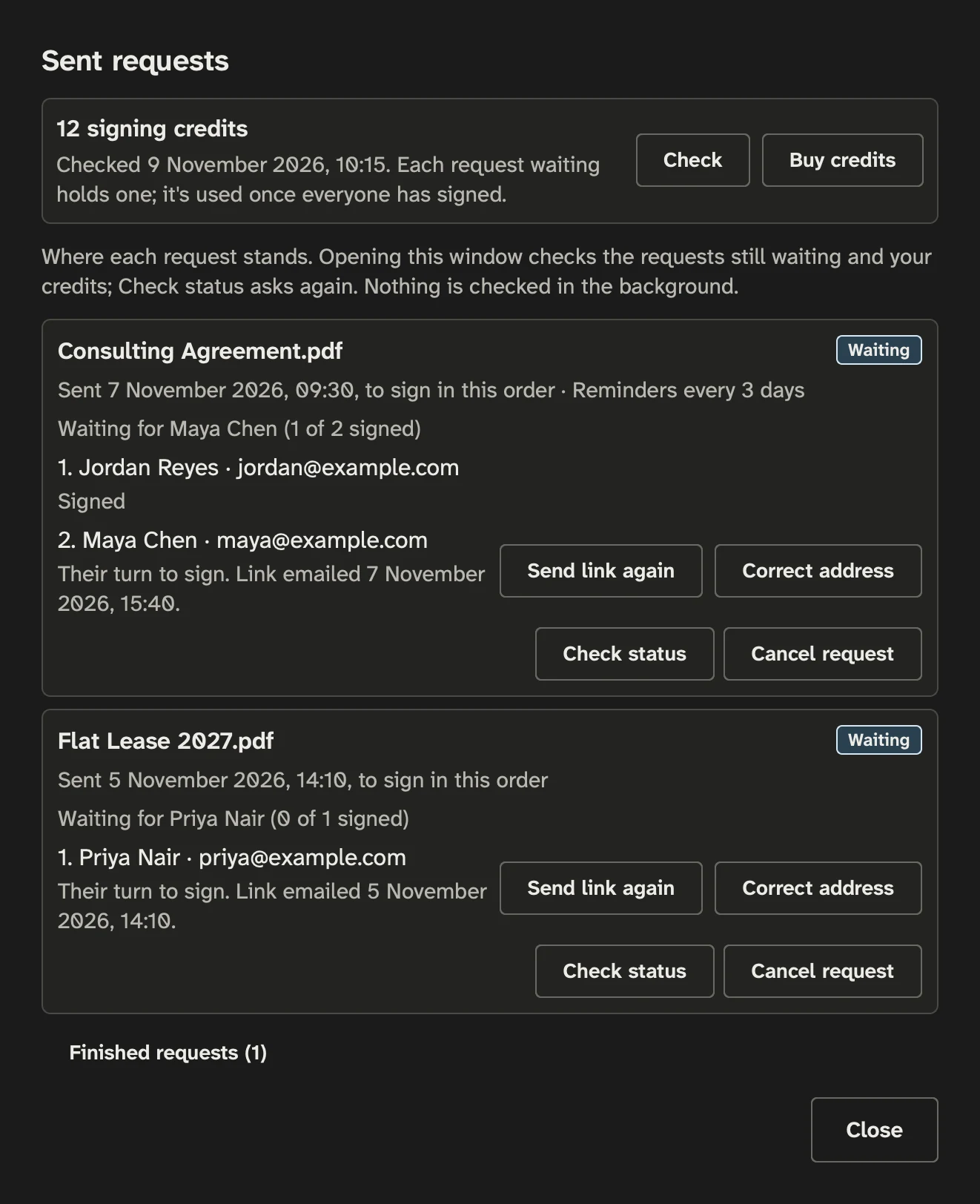
Everyone signs whenever suits them, or one after another when the order matters. Sent Requests shows who has signed.
A code if you want one
Ask for a code before a signer can open it: one emailed to them, or one you give them by text or phone call.
A seal Acrobat checks
The finished file carries a trusted digital time-stamp that Adobe Acrobat shows as valid; any change made afterwards shows in its signature panel.
A certificate page
Who signed, when, how they were verified and from which device, added to the contract itself.
"Not you?" handled
If someone gets a link meant for another person, they say so in one click; you see it, cancel, and send again to the right address.
About $1 a contract. Nothing in a month you send none.
Credits come in packs of 10 for $9.99, bought in the app through the App Store, and bought credits never expire. One credit covers one contract, whether it has one signer or 10, and it's used only once everyone has signed. You send from Latte PDF on a Mac, $9.99 once in the Mac App Store.
- 5 free credits with Latte PDF, to try it: usable at once, for 90 days.
- Cancel a request, or let it expire unsigned, and its credit comes back: always if nobody has opened it, and up to 3 times in 30 days after someone has.
- Send a contract again to the same people, edited or not, and it replaces the waiting request on the same credit.
- Up to 25 contracts a day per sender; write to us if you need more.
| How you pay | What it includes | |
|---|---|---|
| Latte PDF, Request Signatures | about $1 a contract (packs of 10 for $9.99), plus Latte PDF at $9.99 once | Up to 10 signers, in any order or one after another, free for them; the editor included |
| DocuSign Personal | $11 a month, a yearly commitment of $132 | 5 envelopes a month |
| DocuSign Standard | $30 a user a month, yearly ($360) | 100 envelopes a user a year |
| Dropbox Sign Essentials | $15 a month, or $180 a year | Unlimited signature requests, 1 user |
| Adobe Acrobat Standard | $179.88 a year | Request e-signatures, plus editing PDFs |
| signNow Business | $8 a user a month, yearly ($96) | 100 signature invites a user a year |
| PandaDoc Starter | $19 a month, billed yearly ($228) | Unlimited e-signatures, plus proposals and quotes |
| Email and Preview | Free | You send the PDF; they sign in their own app and send it back |
The one time a document leaves your computer
When you click Send, the contract is uploaded encrypted so the people you name can sign it, and the app tells you first. The key to it goes only into their links; we don't keep it. The finished contract is deleted 30 days after it is completed. Editing never uploads anything.
A record that each signature is genuine
Our signing service keeps who signed, when, their IP address and device, as evidence, for as long as the privacy policy says. Never the contract itself after it is deleted.
About Request Signatures.
How does Request Signatures work?
Open the contract in Latte PDF, click Request signatures, add each person's name and email address, and place their fields on the pages. Send emails everyone their link at once, and they sign in any order; tick Sign in this order and each person gets theirs once the one before has signed. Once everyone has signed, each of you is emailed a link to download the finished contract, with a certificate page listing who signed, when and how. Each contract uses one credit (about $1; packs of 10 for $9.99, bought in the app through the App Store) once everyone has signed; while it waits, it holds one. See the terms of sale.
What do the people who sign need?
Only the email with their link and a web browser, on a phone or a computer. They need no licence, account or app, and signing costs them nothing.
What is kept when I send a contract for signature, and for how long?
When you click Send, the contract is uploaded encrypted, and we don't store the key to it. The encrypted copies are deleted when the request is cancelled or expires, and the finished contract 30 days after it is completed. As evidence that each signature is genuine, our signing service keeps a record of email addresses, times, IP addresses and devices, until 31 December of the seventh year after the contract is completed (90 days for a cancelled request). Editing never uploads anything. The privacy policy has the details.
Is an electronic signature made this way valid?
In the US (the ESIGN Act) and the EU (eIDAS), the law lets an electronic signature be used for most everyday contracts, such as leases, freelance agreements and consent forms; some documents, such as wills, may still need ink or a witness. Each signer agrees to sign electronically before they start, and the certificate page records how they signed. For anything important, check with a lawyer.
Do I need a subscription?
No. You buy Latte PDF once ($9.99 in the Mac App Store) and pay about $1 for each contract everyone signs, in packs of 10 for $9.99 bought in the app. Nothing renews.
Can I send from Windows or my phone?
Not yet: you send from Latte PDF on a Mac. The people who sign can use any phone, tablet or computer with a web browser.